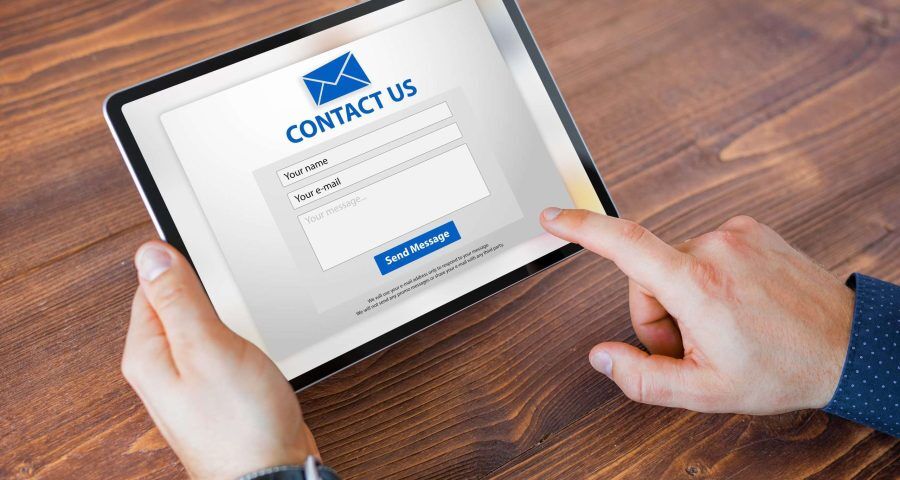

Your website may attract visitors through SEO, paid advertising, and social media, but those efforts fall short if potential customers can’t easily contact your business. A poorly designed or unreliable contact form can cause interested prospects to leave without submitting an inquiry. Identifying these issues can help your business create a smoother customer experience and generate more qualified leads.
Too Many Required Fields Can Discourage Submissions
Contact forms should make it easy for prospective customers to take the next step. When a form requests too much information before someone can speak with your team, visitors may decide it isn’t worth the effort. For many businesses, a name, email address, or phone number, and a brief message are enough to begin a conversation. Additional questions may be useful for qualifying leads, but every field should serve a clear purpose. Removing unnecessary requirements can make your form quicker to complete and encourage more visitors to reach out.
Your Contact Form May Not Work Properly on Mobile Devices
Many customers browse websites on smartphones, especially when searching for local services. If your contact form is difficult to navigate on a smaller screen, you could lose inquiries before visitors have a chance to submit them.
Small input fields, crowded layouts, difficult-to-tap buttons, and text that is hard to read can all create frustration. Make sure your form adjusts to different screen sizes and features clearly labeled fields and a visible submission button. Testing the form on multiple devices can help identify problems that might otherwise go unnoticed.
Technical Errors Can Prevent Leads From Reaching You
Some contact form problems are not immediately visible. A visitor might complete every field and click submit, only for the message to disappear because of a server error, incorrect email settings, or a broken integration. Even a confirmation message does not guarantee that an inquiry has reached the right inbox. Regularly test your contact form and confirm that submissions arrive at the intended email address or CRM system. Check spam folders and review notification settings, particularly after website updates or redesigns.
Unclear Calls to Action Can Create Hesitation
Visitors should understand exactly what happens when they submit your form. Generic button labels and vague instructions can make the next step less clear. Use descriptive calls to action, such as “Request a Consultation” or “Get a Quote,” when appropriate for your services. Briefly explain what visitors can expect after submitting their information. You should also make your phone number and email address easy to find for customers who prefer other ways to get in touch.
Missing Conversion Tracking Makes Problems Harder to Identify
Without proper analytics and conversion tracking, it can be difficult to determine whether your contact form is helping your website generate business. Traffic reports alone cannot tell you how many visitors successfully submit inquiries or which marketing channels produce qualified leads. Set up conversion tracking for completed form submissions and verify that it records results accurately. Reviewing this information alongside lead quality can help you identify where improvements are needed and evaluate the effectiveness of your SEO and paid advertising campaigns.
Turn More Website Visits Into Meaningful Inquiries with Boston Web Marketing
Your contact form plays an important role in connecting your online marketing efforts with potential customers. Simplifying fields, improving mobile usability, checking technical functionality, and tracking completed submissions can help remove barriers between website visitors and new business opportunities.
Boston Web Marketing helps businesses improve their online presence through SEO, paid advertising, website design, and digital marketing strategy. If your website attracts visitors but generates fewer inquiries than expected, contact Boston Web Marketing at 857-526-0096 to discuss ways to improve your website’s performance and turn more qualified traffic into potential customers.